
Outpost Health2.1.100 - App Store
You'll be able to see results in few seconds.
Publisher Description
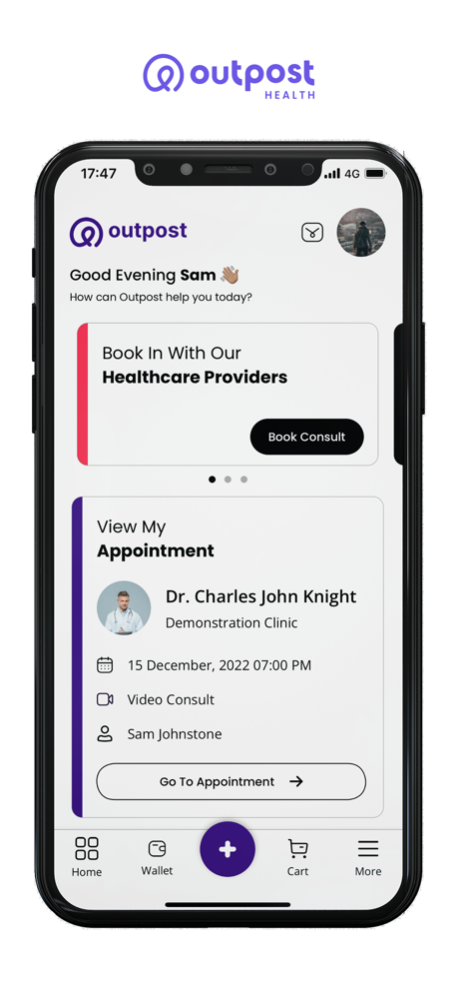
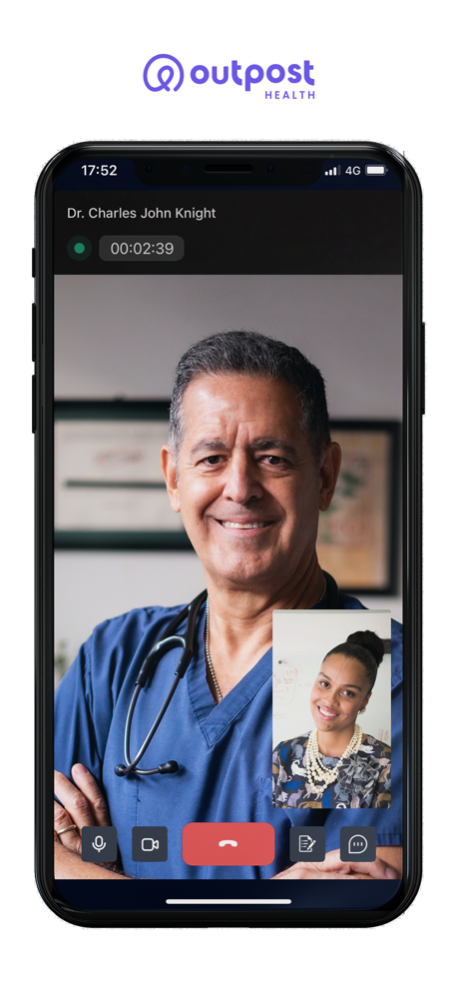
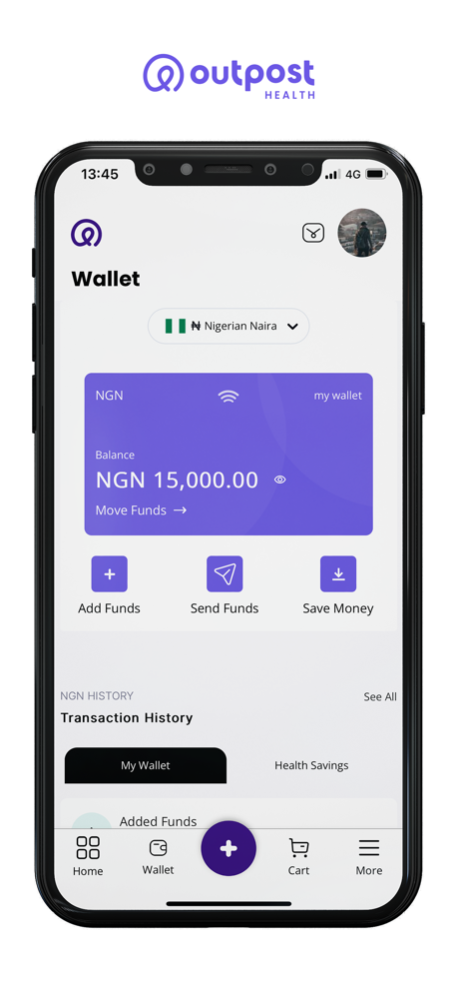

Take control of your health. Use video or chat to access doctors, nurses, wellness coaches and other healthcare providers.
Any time. Anywhere.
Outpost Health surrounds you with a personalized circle of care. Plus, full access to your personal health records, prescription tracking, symptom monitoring and more.
24/7 access to licensed healthcare providers. Anywhere in the world. No waiting rooms. No line-ups. No hassles.
HOW DOES OUTPOST HEALTH WORK?
At Outpost Health, we use technology to humanize healthcare. The Outpost Health app connects you via video or chat to a team of medical professionals — doctors, nurses, pharmacists, psychologists, nutritionists and wellness coaches.
You can also access your own personal health record. Monitor your symptoms and medications. Learn more about your health through trusted educational resources. Share your thoughts in secure online communities monitored by licensed healthcare providers.
Heal
With Outpost Health, you’re an active partner in your health journey. Engage with your care team using video & chat messaging or visit in-person at a local Outpost Health clinic.
We put powerful tools at your fingertips. MyHealthRecords, MyMedications, ClinicalTrials and MyCareTeam let you take ownership of your health, so you can work with your care team and make informed decisions.
Monitor
Monitor your symptoms and generate personalized data with intuitive, easy-to-use HealthTracking, HealthTimeline, HealthGoals and HealthJournal features. Let your care team use your data to create a wholistic health plan that integrates nutrition, exercise, supplements, sleep and more.
Empower
Use Outpost Health coaching, education and community to shift from uninformed patient to empowered consumer, from one-off treatment to prevention, from disjointed to connected healthcare.
WHO ARE THE OUTPOST HEALTH PROVIDERS?
The Outpost Health provider network has globally licensed providers who have been vetted and accredited according to the highest standards. They have experience treating common medical conditions, providing second opinions on complex cases and more.
Outpost Health practitioners are rigorously vetted for expertise and bedside manner. Only a small portion of applicants make the cut.
IS OUTPOST HEALTH SECURE?
Your safety, privacy and security are our #1 priorities. Our technology is protected using banking-grade encryption and externally audited in compliance with the Health Insurance Portability and Accountability Act (HIPAA). For more information, find our complete Privacy Policy at www.outpost.health/privacy.
CONNECT WITH US!
We’re always happy to connect with you and receive feedback.
Email us: support@outpost.health
Check out our website: outpost.health
Follow us on Twitter: twitter.com/outposthealth
Follow us on Instagram: https://www.instagram.com/outposthq/
Like us on Facebook: facebook.com/outposthealth
Jul 19, 2023
Version 2.1.100
Bug fix to Notification reminders.
About Outpost Health
The company that develops Outpost Health is Outpost Healthcare Corporation. The latest version released by its developer is 2.1.100.
To install Outpost Health on your iOS device, just click the green Continue To App button above to start the installation process. The app is listed on our website since 2023-07-19 and was downloaded 0 times. We have already checked if the download link is safe, however for your own protection we recommend that you scan the downloaded app with your antivirus. Your antivirus may detect the Outpost Health as malware if the download link is broken.
How to install Outpost Health on your iOS device:
- Click on the Continue To App button on our website. This will redirect you to the App Store.
- Once the Outpost Health is shown in the iTunes listing of your iOS device, you can start its download and installation. Tap on the GET button to the right of the app to start downloading it.
- If you are not logged-in the iOS appstore app, you'll be prompted for your your Apple ID and/or password.
- After Outpost Health is downloaded, you'll see an INSTALL button to the right. Tap on it to start the actual installation of the iOS app.
- Once installation is finished you can tap on the OPEN button to start it. Its icon will also be added to your device home screen.
Program Details
System requirements
Download information
Pricing
Version History
version 2.1.100
posted on 2023-07-19
Jul 19, 2023
Version 2.1.100
Bug fix to Notification reminders.
version 2.1.99
posted on 2023-07-17
Jul 17, 2023
Version 2.1.99
Notification reminder to ensure Patients can stay up to date.
version 2.1.98
posted on 2023-06-28
Jun 28, 2023
Version 2.1.98
- Bug fix to the Payment Link from deep links.
- Various minor bug fixes and enhancements.
Disclaimer
Official App Store Link
We do not host Outpost Health on our servers. We did not scan it for viruses, adware, spyware or other type of malware. This app is hosted by Apple and passed their terms and conditions to be listed there. We recommend caution when installing it.
The App Store link for Outpost Health is provided to you by apps112.com without any warranties, representations or guarantees of any kind, so access it at your own risk.
If you have questions regarding this particular app contact the publisher directly. For questions about the functionalities of apps112.com contact us.
